Presscart MCP: Use AI Assistants to Run Your Campaigns
The short answer
Presscart MCP connects Presscart to AI assistants like Claude, Codex, and other MCP-compatible tools so users can manage campaign workflows from conversation. Once connected, assistants can help find publications, check campaigns and orders, upload article files, manage comments, and link users back to the right review screens.
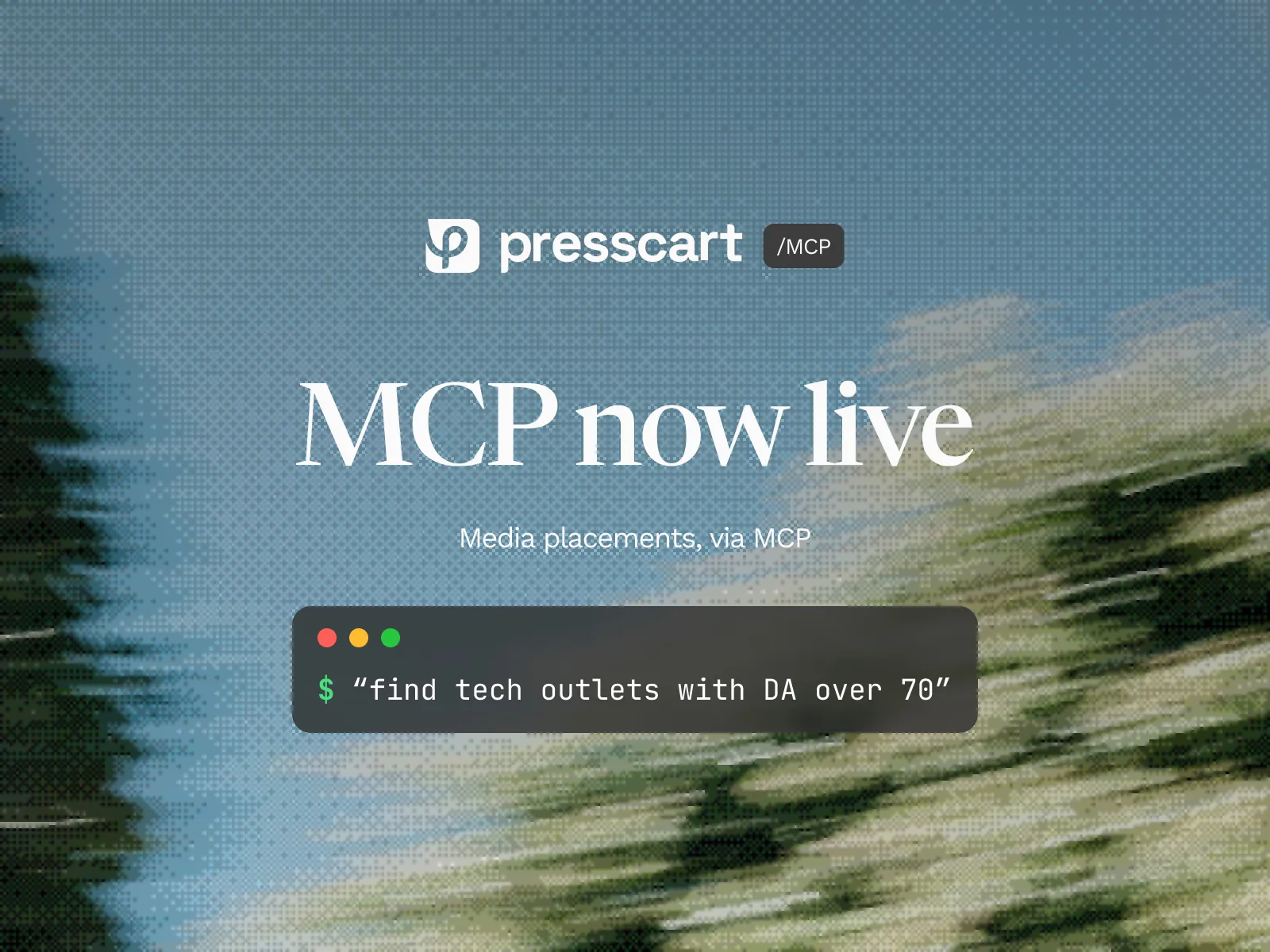
Starting today, we’re offering connections with AI assistants through our custom Presscart MCP server. This means you can connect Presscart to tools like Claude, Codex, and other MCP-compatible assistants, and use them to help with everyday workflows.
Once connected, you can ask your AI assistant to find the right publications, check on campaigns, review orders, upload article files, or manage comments. The AI handles the navigation. You stay in the conversation.
What is an MCP?
A Model Context Protocol (MCP) is an open standard that lets AI assistants connect to external tools. Instead of copying and pasting between apps, the assistant accesses the tool directly, reads data, and takes actions on your behalf.
The Presscart MCP server lets AI assistants:
- Look up teams, profiles, campaigns, orders, publications, articles, comments, files, folders, and add-ons
- Recommend relevant publication placements based on your account
- Request internal writing services
- Link you back to the right place in Presscart when an article or comment needs review
For publishers: outlet, channel, and product management are also supported.
Some actions require human review in the Presscart app:
- Approving briefs or drafts (content needs to be reviewed)
- Publisher decisions: approve publishing, request revision, request more info, reject (requires in-app review)
- Deleting user accounts
- Inviting team members
Who it’s for
Teams running campaigns: Ask your AI assistant to find publications, check order status, or see what comments need responses.
Agencies managing multiple accounts: Less time clicking through dashboards. The AI handles the lookup.
Anyone already using Claude or Codex: Presscart now fits directly into your existing workflow.
How it works
Sign in securely with your Presscart account. Approve access once, and you’re connected. Access is checked server-side, so users only see and act on what they’re allowed to.
Getting started
Endpoint: https://mcp.presscart.com/mcp
Claude Desktop:
- Open Settings
- Go to Connectors
- Add custom connector
- Enter
https://mcp.presscart.com/mcp - Complete the browser-based sign-in
Claude Code CLI:
claude mcp add --transport http presscart https://mcp.presscart.com/mcpThen run /mcp in your session to complete sign-in.
Codex CLI:
codex mcp add presscart --url https://mcp.presscart.com/mcpCodex usually opens the browser sign-in flow immediately. If it doesn’t, run:
codex mcp login presscartCodex via config file:
Open ~/.codex/config.toml and add:
[mcp_servers.presscart]
url = "https://mcp.presscart.com/mcp"
Then run codex mcp login presscart to authenticate.
Full documentation at docs.presscart.com/ai/mcp-server.
If you have a Presscart account, you have MCP access.
If you’re building something on top of Presscart and want to talk through a deeper integration, reach out to tyler@presscart.com.

Edgar Li
Founder at Presscart
Edgar spent years building software where he understood that storytelling oftentimes mattered more than the product itself. He co-founded Presscart to help founders and marketers tell stories people actually care about. He believes in an increasingly artificial world, authenticity is the only thing that cuts through.